- Log into your account at https://www.socalgas.com/
-
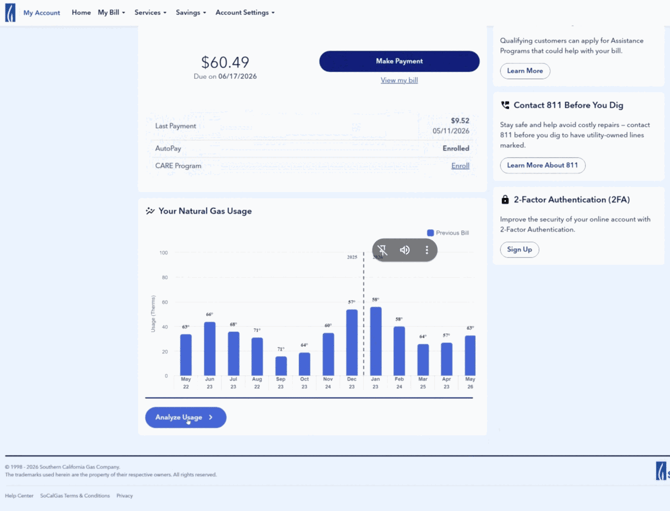
On your account home page, find the "Your Natural Gas Usage" card and click "Analyze Usage" below the chart
-
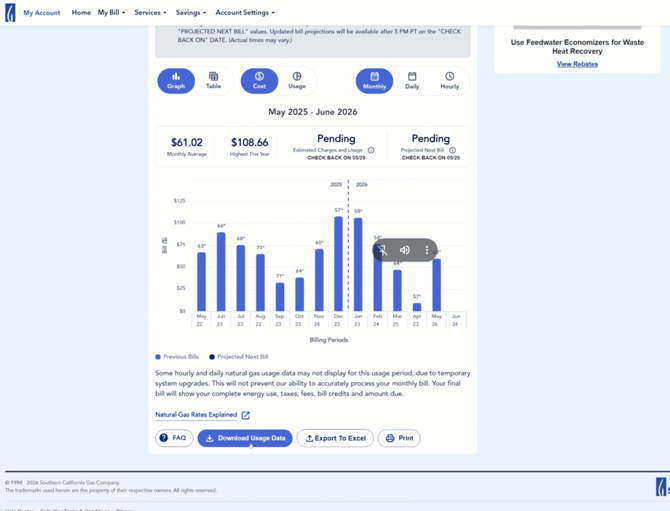
Scroll to the bottom of the Analyze Usage page and click "Download Usage Data"
-
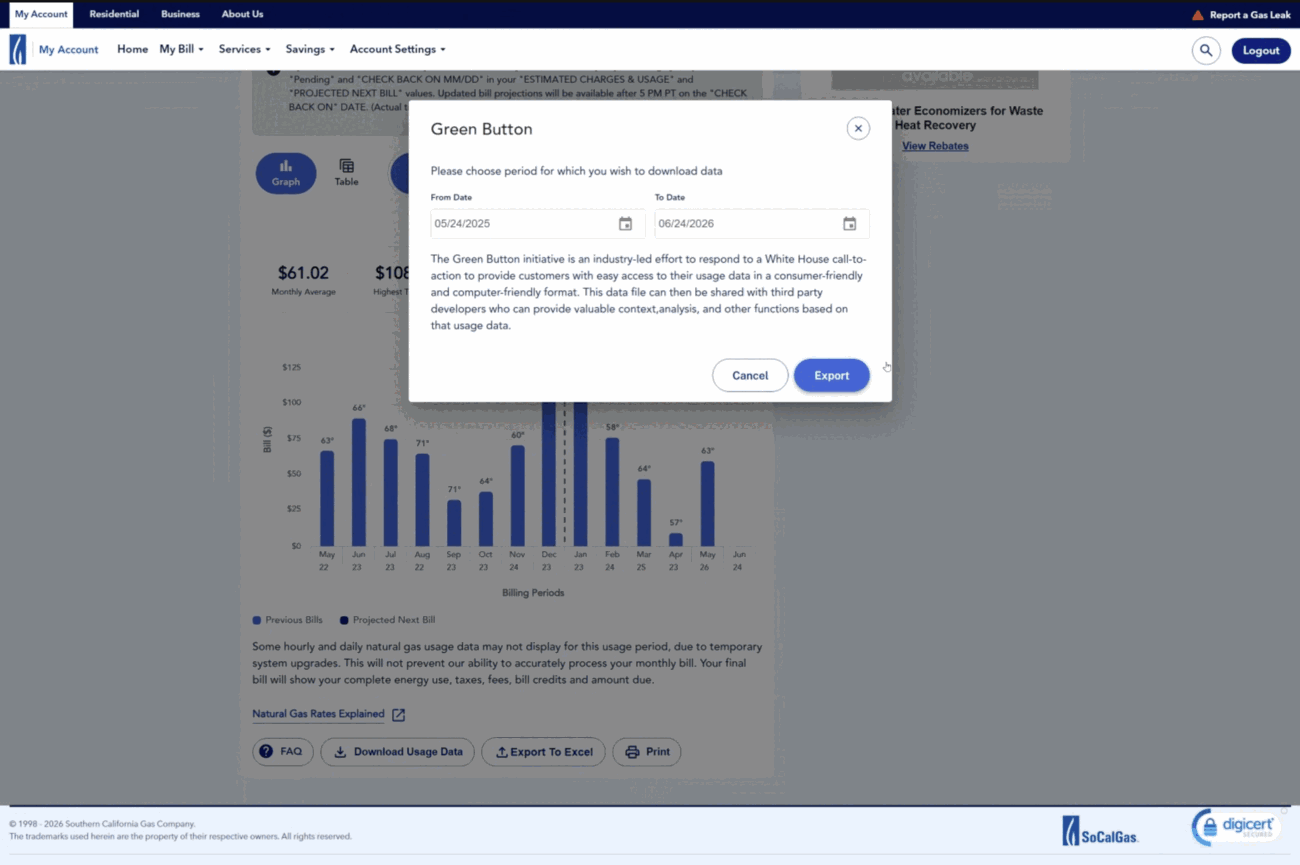
A window titled "Green Button" opens. Set the period for which you wish to download data as the past year's date range (it may default to this range)
-
Click the "Export" button and an Excel (.xlsx) file will download to your computer.
-
Upload the file in the QuitCarbon app, or send it to Hello@QuitCarbon.com and you're done!
Do you want to know more about electrification?