
It's easy as 1-2-3:
- Go to your Home Profile.
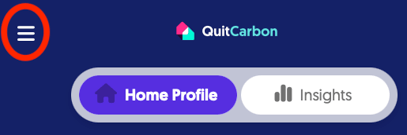
- Click the three-line "hamburger" menu for more options.
- Click "Add Property" and follow the prompts.
That's it! Congrats, you added another property to your QuitCarbon profile.
And you can follow the same steps to add a third, fourth, fifth, etc.
Note: You can switch between houses by clicking the three-line "hamburger" menu and selecting "Properties". Always double-check you're looking at the right property before making any changes.