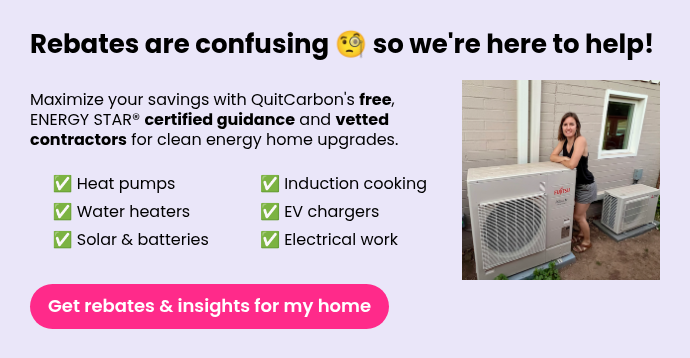
How do I log in to QuitCarbon?
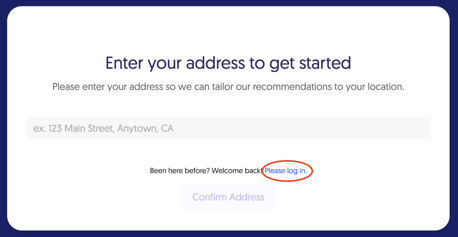
1. Go to app.QuitCarbon.com - hopefully that takes you straight to your home, but if you end up on a page that asks for your address and looks like this, click "Please log in"
2. Enter the email address you first signed up with, or the one QuitCarbon emailed you at - you'll likely have received a welcome email from us in the past.
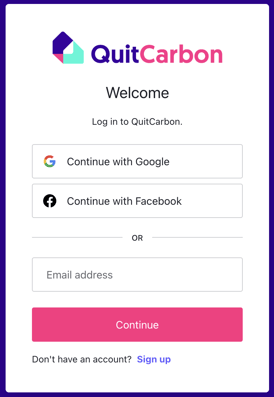
3. Check your email inbox for the confirmation code, enter it on the website, and click "Continue."

4. Welcome back to your QuitCarbon Home Profile!
5. Still having trouble? Log out (see below) and try again.
6. Having more trouble? Please accept our apologies, and contact us.
How do I log out from QuitCarbon?
-
Click the hamburger menu at the top left, then click your name, then click "Log Out" - or...